Privileged vs Unprivileged LXC Containers on Proxmox
Understand the security differences between privileged and unprivileged LXC containers in Proxmox VE. When to use each type and how to configure them.
 Proxmox Pulse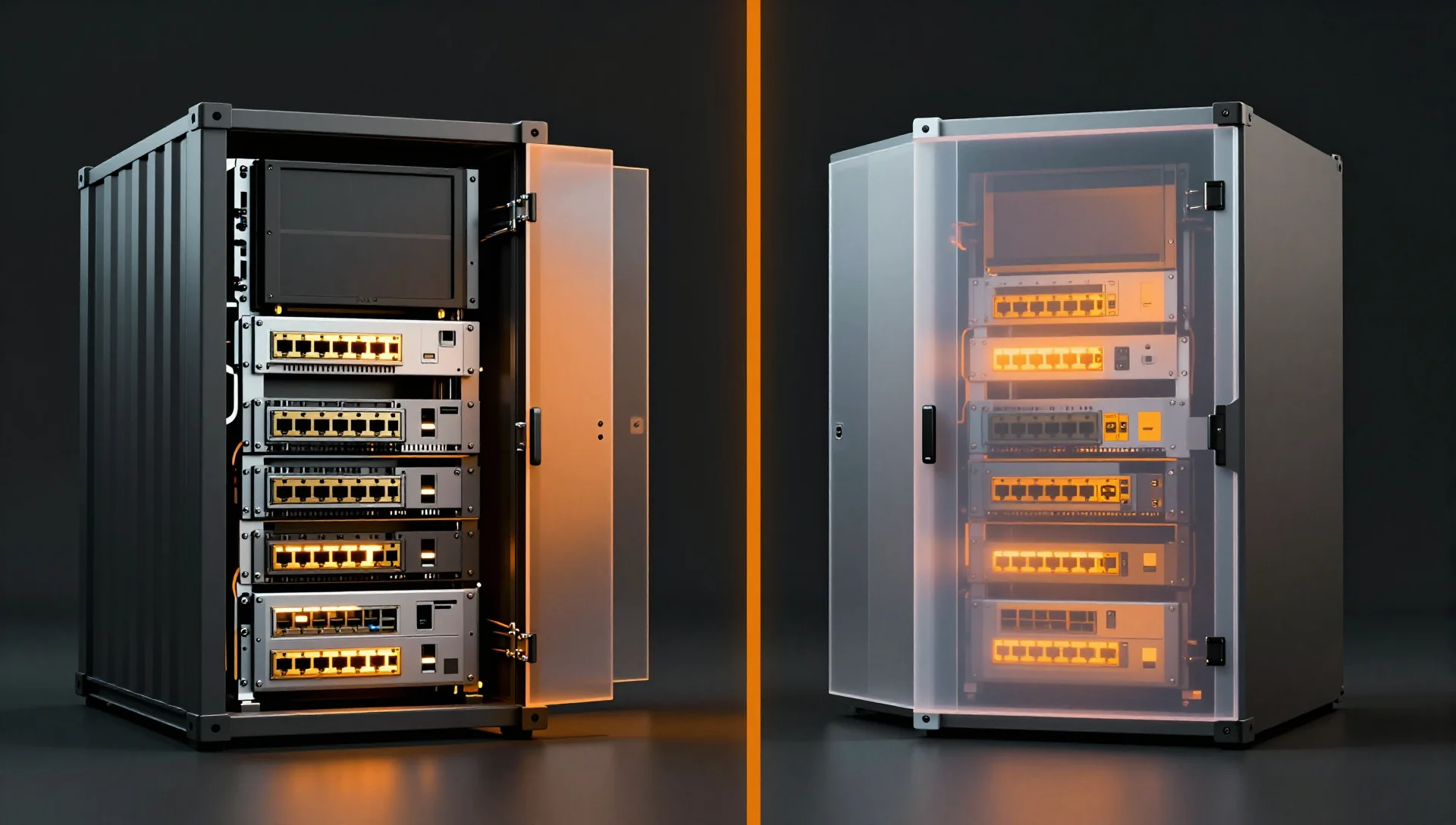
On this page
The Short Version
In a privileged LXC container, root is UID 0 on the host. In an unprivileged container, root is mapped to something like UID 100000 on the host. That single difference has cascading implications for security, usability, file permissions, and what you can actually run inside the container.
Proxmox defaults to unprivileged containers when you create them through the GUI, and that's the right default. But I still run a handful of privileged containers in my homelab, and I'll explain exactly when and why.
What "Privileged" Actually Means
A privileged LXC container runs with the real root user. UID 0 inside the container is UID 0 on the Proxmox host. The container is isolated by namespaces and cgroups, but if a process escapes the container -- through a kernel vulnerability, a misconfigured mount, or a bug in LXC itself -- it's running as root on your hypervisor.
Here's what a privileged container config looks like in /etc/pve/lxc/100.conf:
arch: amd64
cores: 2
hostname: priv-container
memory: 2048
net0: name=eth0,bridge=vmbr0,hwaddr=BC:24:11:C7:89:01,ip=10.10.1.100/24,gw=10.10.1.1
ostype: debian
rootfs: local-zfs:subvol-100-disk-0,size=16G
swap: 512
Notice what's missing: there's no unprivileged: 1 line. That's what makes it privileged. You can also verify from inside the container:
root@priv-container:~# cat /proc/self/uid_map
         0          0 4294967295
That output tells you UID 0 inside maps to UID 0 outside, across the entire UID range. This is a privileged container.
The security boundary here is primarily Linux namespaces and a set of dropped capabilities. Proxmox drops dangerous capabilities like sys_rawio, sys_time, and sys_module by default. But the container process still has the kernel's perspective of "this is root," and not all kernel code paths properly check namespace boundaries. Historically, there have been real exploits. CVE-2022-0185 allowed a privileged container to escape via a filesystem context bug. CVE-2022-0492 used cgroups. These aren't theoretical.
What "Unprivileged" Actually Means
Unprivileged containers use the kernel's user namespace feature to remap UIDs. Root inside the container (UID 0) maps to a high, unprivileged UID on the host -- typically starting at 100000.
arch: amd64
cores: 2
hostname: unpriv-container
memory: 2048
net0: name=eth0,bridge=vmbr0,hwaddr=BC:24:11:D8:90:12,ip=10.10.1.101/24,gw=10.10.1.1
ostype: debian
rootfs: local-zfs:subvol-101-disk-0,size=16G
swap: 512
unprivileged: 1
Check the UID mapping from inside:
root@unpriv-container:~# cat /proc/self/uid_map
         0     100000      65536
This reads: UID 0 inside maps to UID 100000 outside, and 65536 UIDs are mapped starting from there. So UID 0 inside = UID 100000 on the host, UID 1000 inside = UID 101000 on the host, and so on.
The subordinate UID ranges are defined on the Proxmox host in /etc/subuid and /etc/subgid:
root@proxmox:~# cat /etc/subuid
root:100000:65536
Each container can be given its own UID range if you want full isolation between containers. By default, Proxmox uses the same range (100000-165535) for all unprivileged containers, which means they technically share a UID namespace with each other. For true multi-tenant isolation, you'd assign different ranges:
root:100000:65536
root:200000:65536
root:300000:65536
Then configure each container's /etc/pve/lxc/XXX.conf:
# Container 101 - uses UIDs 100000-165535
lxc.idmap: u 0 100000 65536
lxc.idmap: g 0 100000 65536

# Container 102 - uses UIDs 200000-265535
lxc.idmap: u 0 200000 65536
lxc.idmap: g 0 200000 65536
Security Implications: A Realistic Assessment
Let me be blunt about the threat model here.
If an attacker has root inside a privileged container and the kernel has a container escape vulnerability (and historically, these pop up every year or two), they get root on your Proxmox host. That's game over. They can read your other VMs' disks, access your network configuration, pivot to other nodes in the cluster. Everything.
If an attacker has root inside an unprivileged container and the same kernel vulnerability exists, they get UID 100000 on the host. That's a regular user with no special permissions. They can't read other containers' data (assuming different UID ranges), can't modify system files, can't load kernel modules. The blast radius is dramatically smaller.
That said, I want to be honest: for a homelab sitting behind a firewall with no exposed services, the practical risk difference is small. I've run privileged containers for years without incident. The question is what you're protecting and from whom.
When Privileged Is Actually Fine
- Isolated homelab with no internet-facing services in that container
- NFS server containers where the UID mapping complexity isn't worth fighting
- Quick testing environments you'll destroy after use
- Specific software that genuinely requires real root (some backup agents, certain monitoring tools that read
/procon the host)
When Unprivileged Is Mandatory
- Anything internet-facing: web servers, reverse proxies, mail servers
- Multi-tenant environments: hosting containers for different users or clients
- Production workloads: the defense-in-depth principle applies
- Compliance requirements: PCI-DSS, SOC 2, etc. all expect privilege separation
- When running Docker inside LXC: the extra layer of nesting makes escape scenarios more concerning
Common Issues with Unprivileged Containers
This is where unprivileged containers earn their reputation for being "annoying." The UID mapping that provides security also causes real friction.
File Permission Problems with Bind Mounts
The single most common issue. You want to mount /mnt/data/backups from the host into your container. On the host, the directory is owned by root:root (UID 0). But inside the unprivileged container, UID 0 maps to UID 100000 on the host. The container's root can't write to a directory owned by UID 0.
# Inside the container
root@unpriv-container:~# ls -la /mnt/backups
drwxr-xr-x 2 nobody nogroup 4096 Mar  1 10:00 .
# "nobody" because UID 0 on the host doesn't map to anything inside
Solutions, from simplest to most correct:
Option 1: Change host ownership (quick and dirty)
# On the Proxmox host
chown -R 100000:100000 /mnt/data/backups
Now the container's root (mapped to 100000) owns the directory. Works, but other containers and host processes can't access it normally.
Option 2: ACLs (more flexible)
# On the Proxmox host
apt install acl
setfacl -R -m u:100000:rwx /mnt/data/backups
setfacl -R -d -m u:100000:rwx /mnt/data/backups
Option 3: Targeted ID mapping (most correct)
You can map a specific host UID into the container. Say you want host UID 1000 (your regular user) to appear as UID 1000 inside the container:
# /etc/pve/lxc/101.conf
lxc.idmap: u 0 100000 1000
lxc.idmap: g 0 100000 1000
lxc.idmap: u 1000 1000 1
lxc.idmap: g 1000 1000 1
lxc.idmap: u 1001 101001 64535
lxc.idmap: g 1001 101001 64535
This maps UID 0-999 to 100000-100999, UID 1000 to 1000 (pass-through), and UID 1001-65535 to 101001-165535. You also need to allow this in /etc/subuid:
root:1000:1
root:100000:65536
The math has to add up to 65536 total mapped UIDs, and there can be no overlaps. I've screwed this up more times than I'd like to admit -- one off-by-one error and the container refuses to start with a cryptic error about invalid ID mappings.
NFS Mount Issues
NFS is historically terrible with user namespaces. NFSv3 uses raw UIDs on the wire, and those UIDs are the container's mapped UIDs (100000+), which the NFS server has never heard of. You'll get permission denied on everything.
Workarounds:
- Use
squash_allon the NFS export and map to a single UID - Run the NFS client in a privileged container
- Use NFSv4 with Kerberos authentication (maps to proper identities, not UIDs)
- Mount NFS on the host and bind-mount into the container
Honestly? I just use a privileged container for my NFS-heavy workloads. The UID mapping gymnastics aren't worth the headache for a homelab NAS.
Device Access
Unprivileged containers can't access most host devices by default. If you need /dev/ttyUSB0 for a Zigbee coordinator or /dev/dri for GPU rendering, you need explicit device passthrough and cgroup device rules:
# /etc/pve/lxc/101.conf
lxc.cgroup2.devices.allow: c 188:* rwm
lxc.mount.entry: /dev/ttyUSB0 dev/ttyUSB0 none bind,optional,create=file
Some devices just won't work in unprivileged containers. GPU passthrough, for instance, is technically possible but fragile enough that most people use privileged containers or VMs for it.
How to Check Which Type You're Running
From the Proxmox host:
# Quick check for a specific container
root@proxmox:~# grep -c "unprivileged" /etc/pve/lxc/101.conf
1

# Check all containers
root@proxmox:~# for conf in /etc/pve/lxc/*.conf; do
  ctid=$(basename "$conf" .conf)
  if grep -q "unprivileged: 1" "$conf"; then
    echo "CT $ctid: unprivileged"
  else
    echo "CT $ctid: PRIVILEGED"
  fi
done
CT 100: PRIVILEGED
CT 101: unprivileged
CT 102: unprivileged
CT 103: unprivileged
CT 110: unprivileged
From inside a container:
# If UID 0 maps to 0, it's privileged
cat /proc/self/uid_map
# Privileged:    0    0    4294967295
# Unprivileged:  0    100000    65536
Or using Proxmox's own tools:
root@proxmox:~# pct config 101 | grep unprivileged
unprivileged: 1
Converting Between Types
Privileged to Unprivileged
This isn't a simple config change because all the files in the container's filesystem are owned by real UIDs (0, 33 for www-data, 999 for service accounts, etc.), and they need to be shifted to the mapped range.
# Stop the container
pct stop 100

# Back up first -- seriously, do this
vzdump 100 --storage local --compress zstd

# The nuclear option: recreate from backup as unprivileged
pct restore 105 /var/lib/vz/dump/vzdump-lxc-100-*.tar.zst \
  --unprivileged 1 \
  --storage local-zfs
Proxmox's pct restore with --unprivileged 1 handles the UID/GID shifting automatically. It's slow for large containers (it has to chown every file), but it works correctly.
If you try to just flip the unprivileged: 1 flag without shifting UIDs, the container will boot but nothing will work right. Every file will appear owned by nobody because the UIDs don't match the mapping.
Unprivileged to Privileged
Easier, but you're weakening security:
pct stop 101

# Edit the config
# Remove 'unprivileged: 1'
# Remove any lxc.idmap lines
sed -i '/^unprivileged/d' /etc/pve/lxc/101.conf

# Shift UIDs back
# This is the manual way -- change ownership of the rootfs
# The container's root UID 100000 needs to become UID 0
pct restore 106 /var/lib/vz/dump/vzdump-lxc-101-*.tar.zst \
  --storage local-zfs
Again, the backup-and-restore approach is the safest. Manual UID shifting with find and chown is error-prone and I don't recommend it unless you really understand what you're doing.
ID Mapping Configuration Deep Dive
The ID mapping in /etc/pve/lxc/XXX.conf controls the translation table between container UIDs and host UIDs. The default for unprivileged containers is straightforward:
# Implicitly set by 'unprivileged: 1':
# lxc.idmap: u 0 100000 65536
# lxc.idmap: g 0 100000 65536
But you can create custom mappings for specific use cases. The format is:
lxc.idmap: <type> <first_container_id> <first_host_id> <count>
Where type is u for user IDs or g for group IDs.
Example: Sharing Files Between Containers
Say you want two containers to share a directory where both write as the same effective UID. You could map UID 1000 in both containers to the same host UID:
# Container 101
lxc.idmap: u 0 100000 1000
lxc.idmap: g 0 100000 1000
lxc.idmap: u 1000 50000 1
lxc.idmap: g 1000 50000 1
lxc.idmap: u 1001 101001 64535
lxc.idmap: g 1001 101001 64535

# Container 102
lxc.idmap: u 0 200000 1000
lxc.idmap: g 0 200000 1000
lxc.idmap: u 1000 50000 1
lxc.idmap: g 1000 50000 1
lxc.idmap: u 1001 201001 64535
lxc.idmap: g 1001 201001 64535
Both containers' UID 1000 maps to host UID 50000. Create the shared directory owned by UID 50000 on the host, bind-mount it into both containers, and they can read/write each other's files.
Don't forget to add the subordinate UID entry:
echo "root:50000:1" >> /etc/subuid
echo "root:50000:1" >> /etc/subgid
Performance Considerations
There's no measurable performance difference between privileged and unprivileged containers for CPU, memory, disk I/O, or network throughput. The UID mapping happens at the kernel level and adds negligible overhead. I've benchmarked this with fio, sysbench, and iperf3 -- the results are within noise margins.
The only performance impact is during operations that enumerate large numbers of files with ownership checks, like recursive chown or backup operations that preserve ownership. These can be slightly slower in unprivileged containers due to the ID translation lookup, but we're talking single-digit percentage differences.
Final Thoughts
My rule of thumb: default to unprivileged, switch to privileged only when you hit a specific limitation that can't be worked around. Document why each privileged container exists so future-you (or your team) knows it was a conscious decision, not an oversight.
For the containers where I do use privileged mode -- my NFS gateway, a ZFS send/receive relay, and a hardware monitoring container that reads IPMI sensors -- I've got a comment in each config file explaining the reason. When Proxmox eventually makes unprivileged containers handle these edge cases better, I'll migrate them. Until then, the pragmatic choice is the right one.